i’ve been writing about crypto for a while now, but this new addition to the $TRUMP memecoin website fine print may be the most blatant “lol you suckers are our exit liquidity” i’ve seen so far
![Screenshot of text: activities, leaderboard competitions, events, or other benefits offered through the Coin Club are independent of, and are not designed to influence the timing or execution of, any token disposition program that may be in effect. [begin highlight] The existence of a Coin Club promotion or event does not indicate that Fight Fight Fight LLC, CIC Digital LLC or their respective affiliates are not contemporaneously disposing of $TRUMP coins [end highlight] pursuant to a pre-announced plan, and you should not acquire or accumulate $TRUMP coins based on any expectation that promotional activity will increase or maintain the market price of $TRUMP coins. You](https://storage.mollywhite.net/micro/247f690a33b11d3f043b_Screenshot-2026-10-16-at-6.31.53---PM.png)
i’ve been writing about crypto for a while now, but this new addition to the $TRUMP memecoin website fine print may be the most blatant “lol you suckers are our exit liquidity” i’ve seen so far
Nice to see Tesla reclaiming from OceanGate the cutting edge of new and embarrassing ways for the very rich to kill themselves.
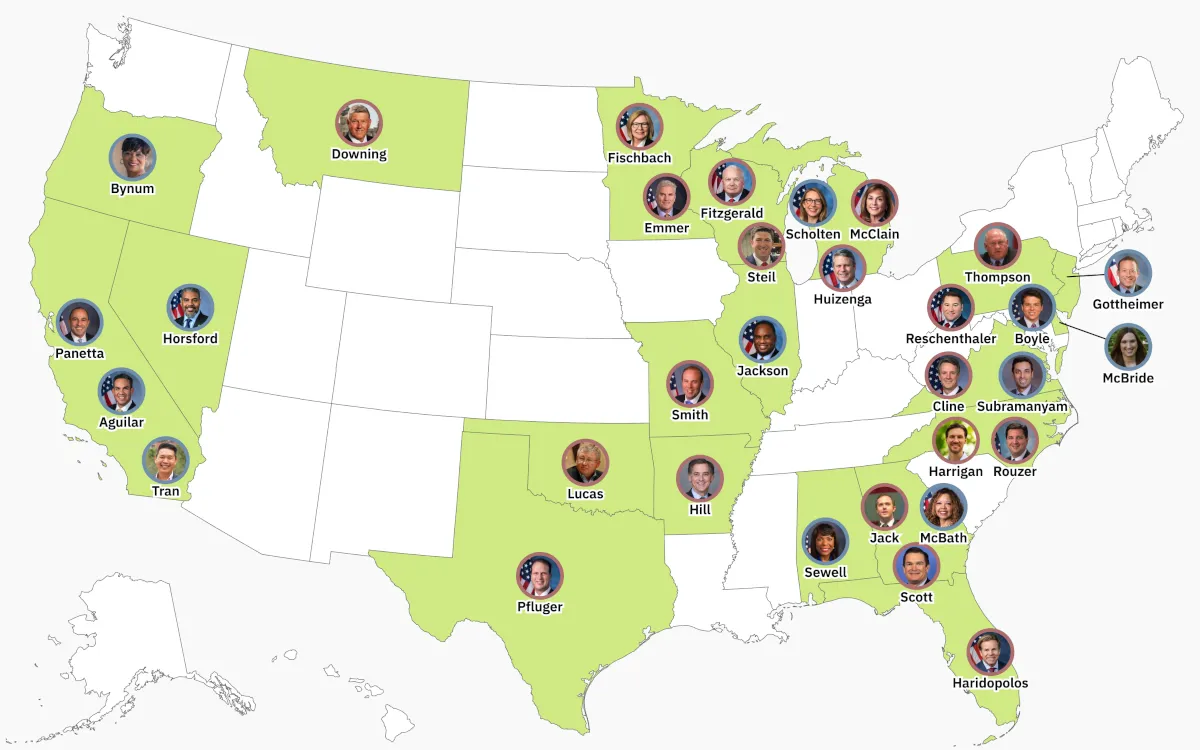
A Trump crypto adviser’s firm took millions from Tether while he shaped stablecoin rules in their favor, a Senate probe targets Commerce Secretary Lutnick’s not-so-former firm, and crypto’s biggest super PAC plays it safe
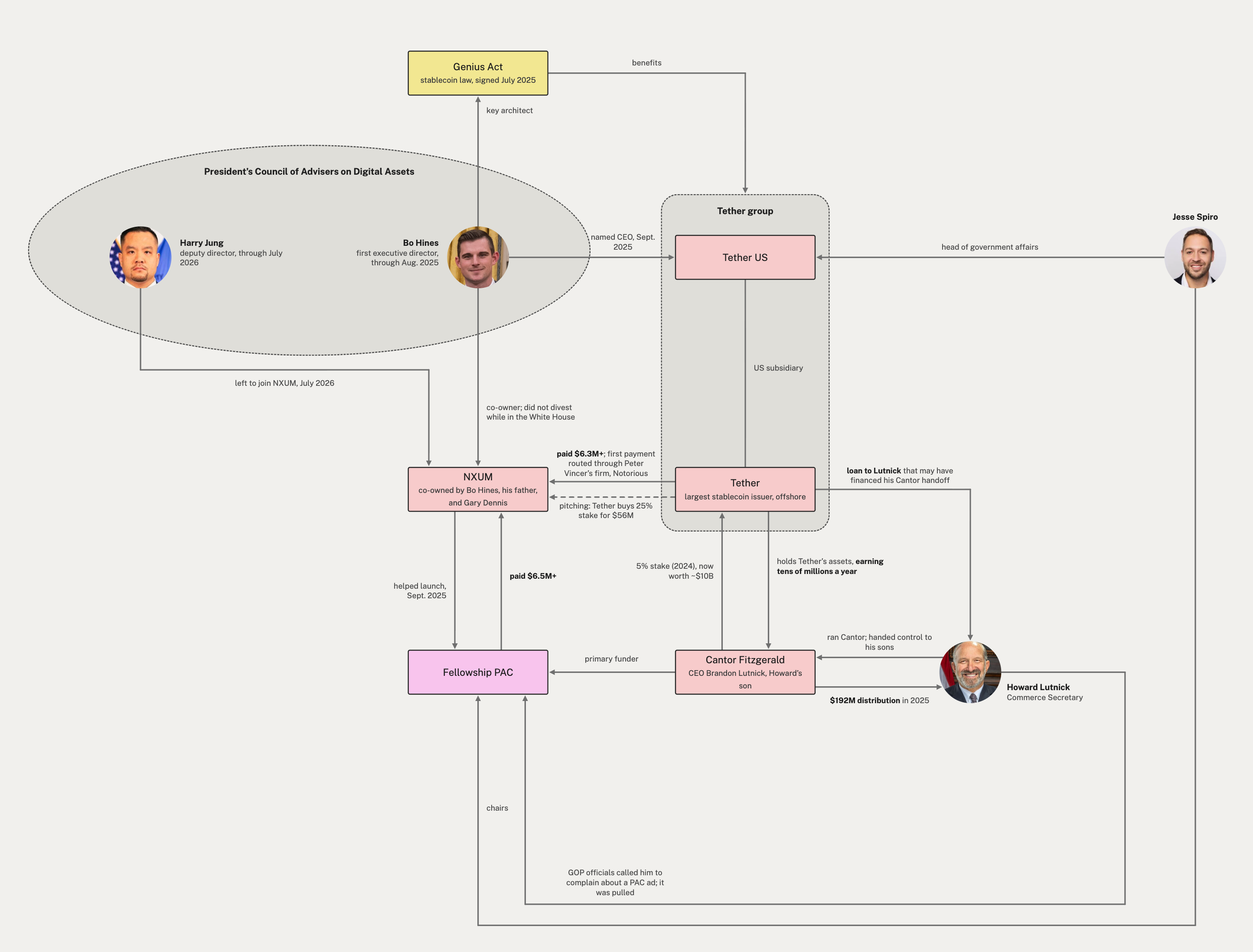
This WSJ investigation exposes yet more Tether-related corruption at the White House, revealing that they paid Bo Hines' consulting firm millions as he was ensuring the Genius Act stablecoin law would benefit them.
I needed a diagram.
every d&d podcast has quietly agreed that the bane spell requires somatic, material, and tom hardy components
doctor: the med you’ve been on your whole adult life has stopped working for your severe anxiety
me: ok and the supplemental one isn’t doing anything either
doctor: have you tried yoga
“Wikimedia’s volunteers are the ones who come in first contact with, and clean up the mess left behind by AI agents. ... Wikimedia’s volunteers have stayed resilient so far in tackling emerging challenges on our platforms, but we also want to say: it doesn’t need to be this way.”
“While OpenAI admits to agents behaving ‘unpredictably’, they must also acknowledge their responsibility to monitor and prevent these risks,” Wikimedia said. “AI companies are not doing enough to secure their systems and protect the public from the harm they cause.”
saw a great tip about using a dog training clicker to mark where you mess up a take in an audio recording, because it generates a nice clean pattern in the waveform that makes it easy to spot
works great, but my dog is going nuts
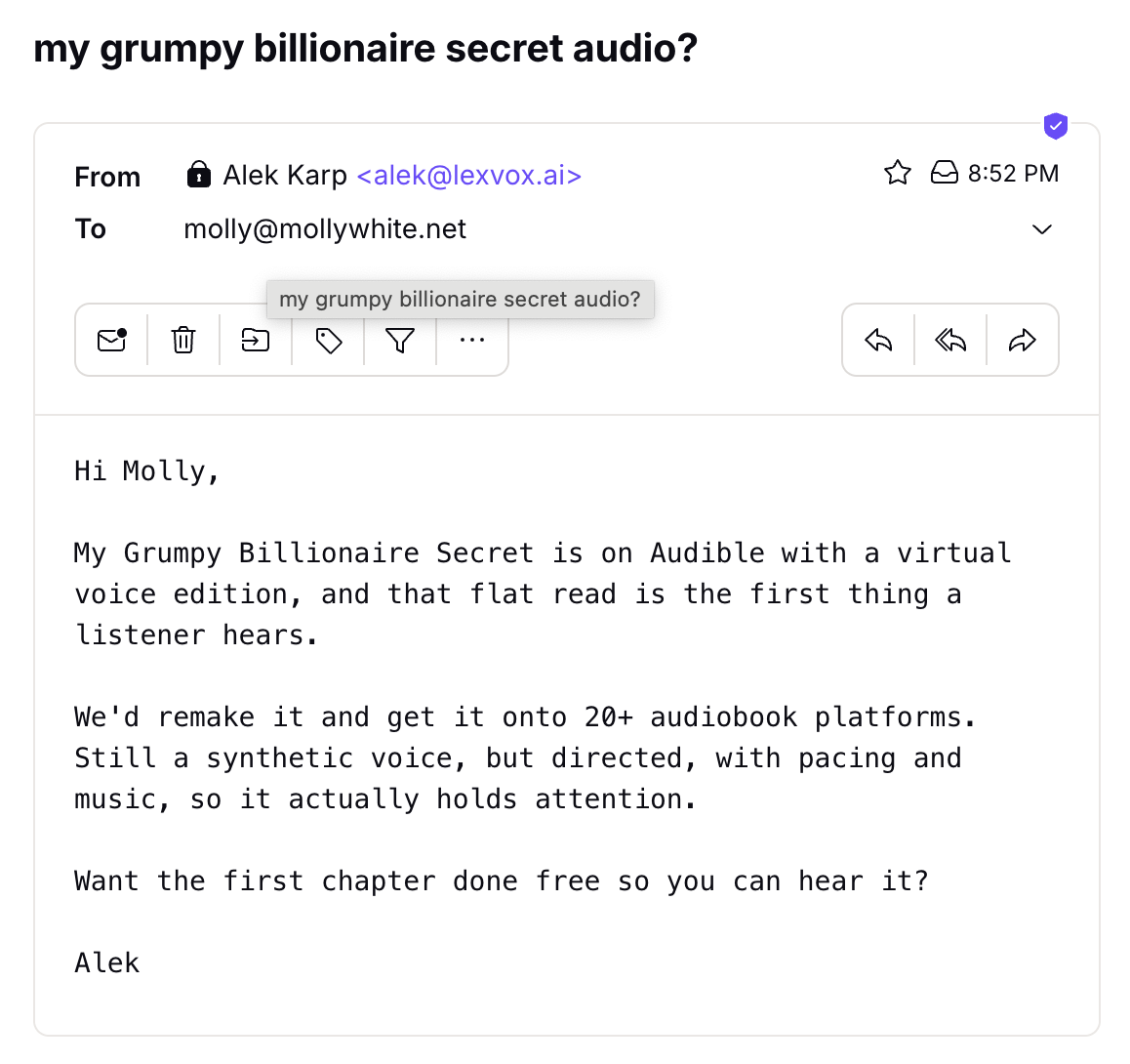
AI has (incorrectly) identified me as the author of a smut book called “My Grumpy Billionaire Secret” and offered to replace my AI audiobooks with new AI audio
the future is now